
Tabs, panes & split layouts
Drag-to-split panes, tab groups, and pinned boundaries.
Orca's pane system is designed for watching multiple agents work without losing context. Tabs group into panes; panes split into layouts.
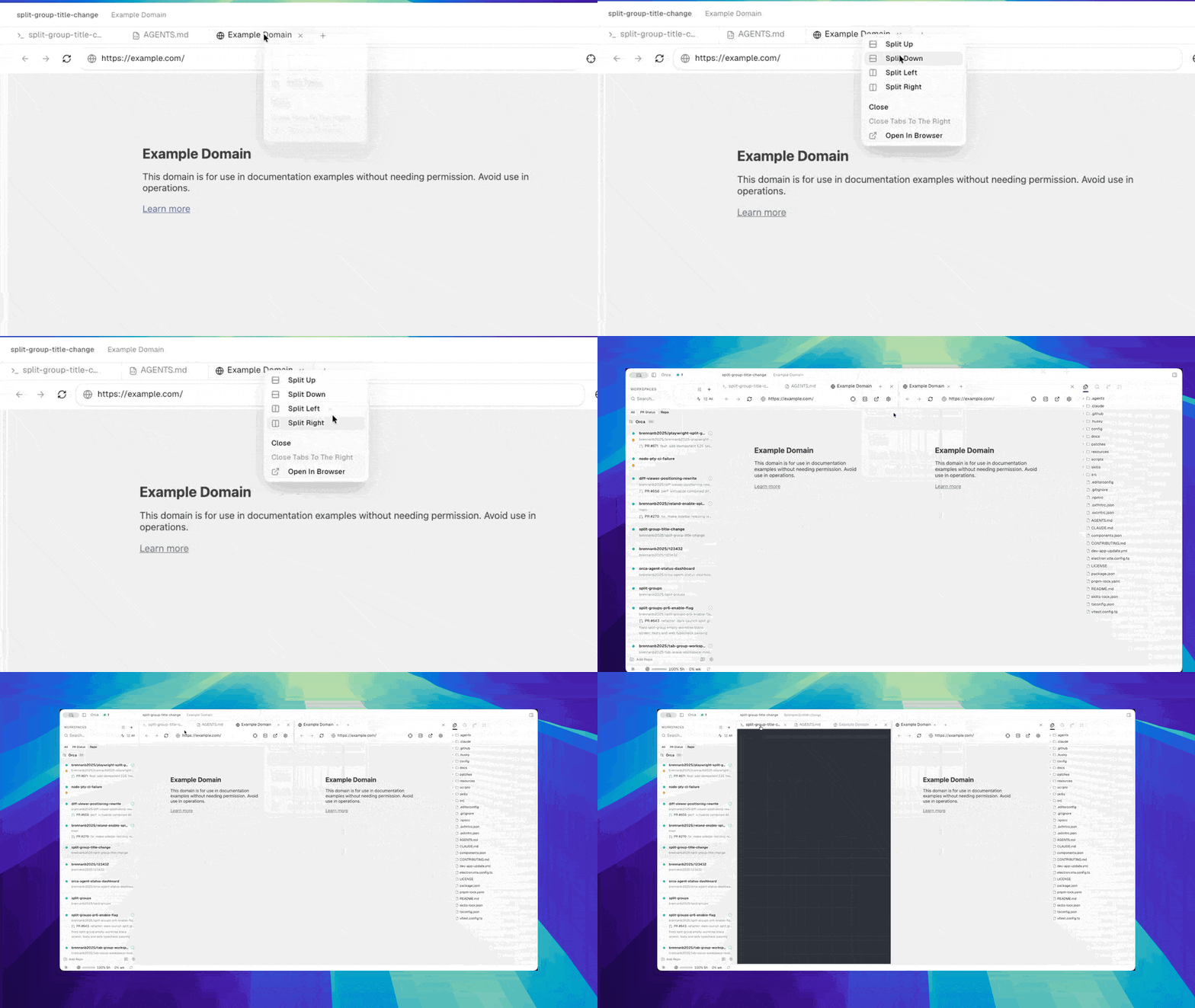
Tabs
Each tab holds one thing: a terminal, an editor buffer, a browser, a diff, a PR. Tabs live inside a tab group.
- Drag a tab up-down within a group to reorder.
- Drag a tab onto another group to move it.
- Close every editor file tab in the active worktree with
Cmd+Option+Won macOS orCtrl+Alt+Won Windows / Linux. - An active-tab color bar marks which pane is focused.
Split panes
Drag a tab to the edge of a pane to create a split:
- Right edge — splits left/right (horizontal split).
- Bottom edge — splits top/bottom (vertical split).
Splits nest. You can have an agent terminal on the left, a diff view on the top-right, and a browser tab on the bottom-right — all at once.
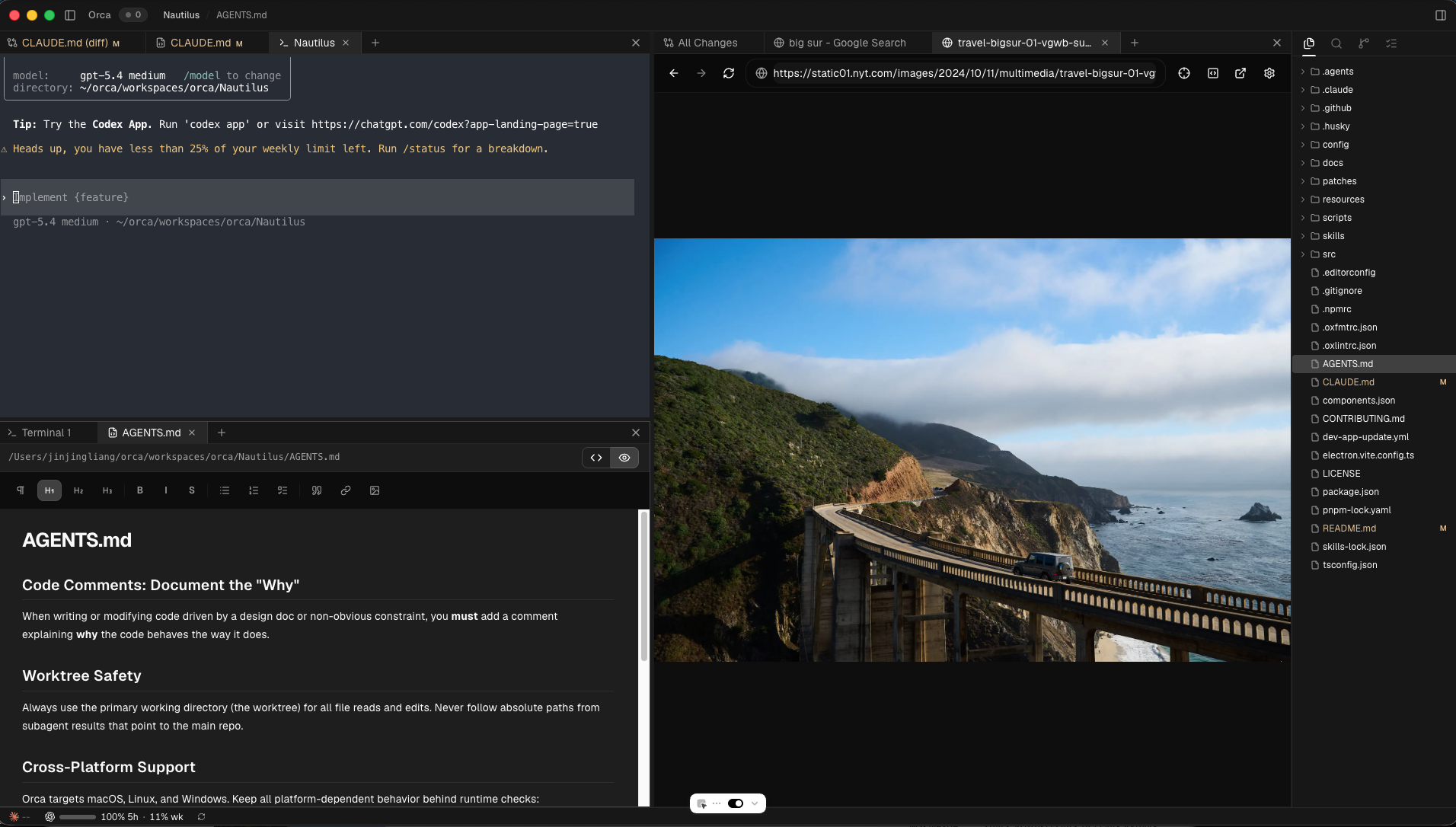
Terminal tabs can also split inside the tab. Use the terminal tab menu for Split terminal right or Split terminal down, or use the split button in the active terminal pane header for a right split.
Pinned boundaries
Pane boundaries stay where you put them. Resizing the window doesn't shuffle your layout; boundary positions are saved per worktree.
Tab groups across worktrees
Each worktree owns its own tab layout. Switching worktrees swaps the entire pane tree — your browser tab, terminal, and diff reappear exactly as you left them.