
Design Mode
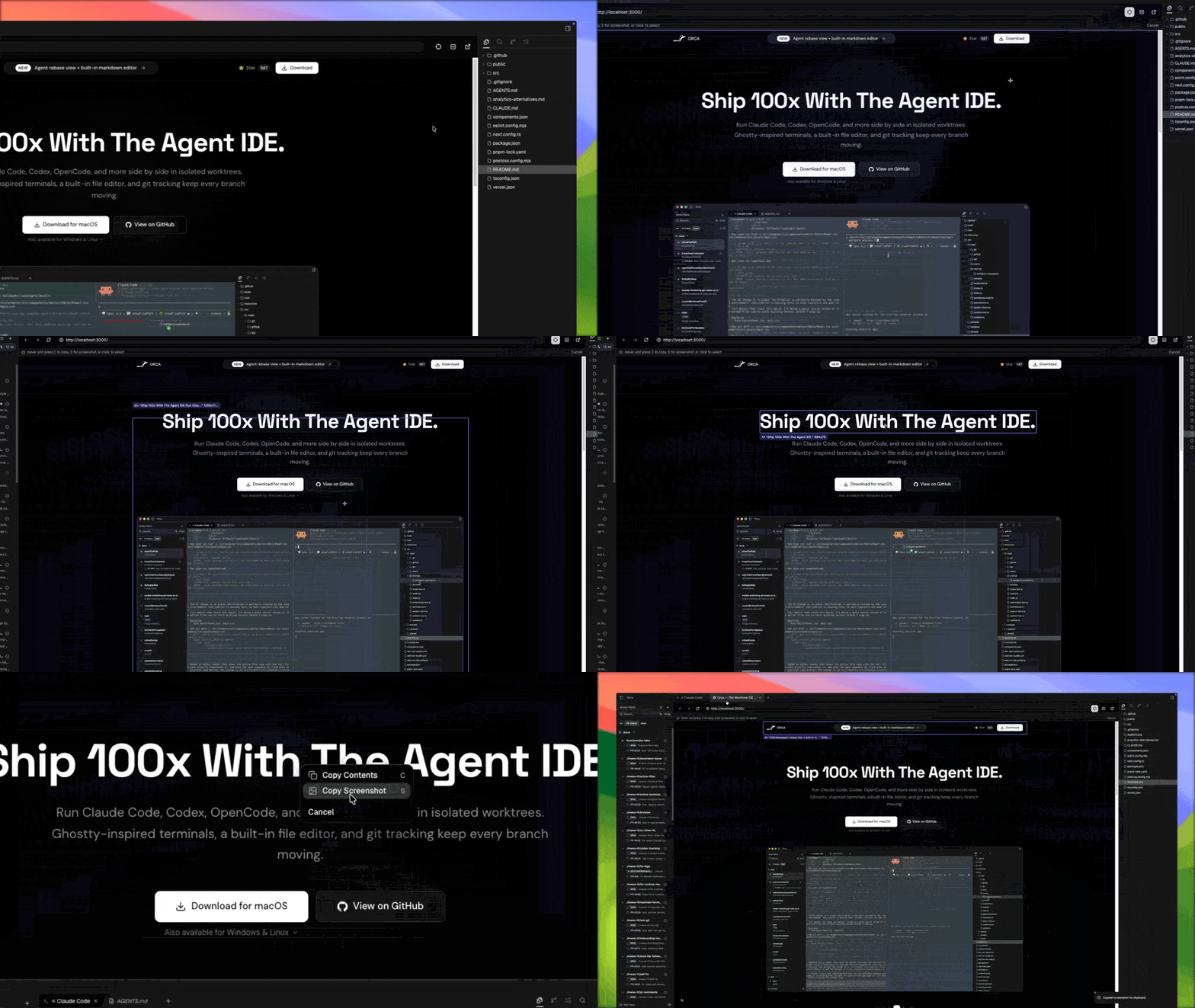
Design Mode turns the Orca browser into a pointer-to-code tool. Toggle it on, click any UI element on the rendered page, and the element drops into the agent chat as rich context — with its DOM, computed styles, and a screenshot.
Turn it on
Click the Design Mode toggle in the browser toolbar. Your cursor becomes a picker; hovering highlights the element under it.
Drop into chat
Click an element. Orca captures:
- The element's HTML (outer and a small neighborhood).
- Its computed CSS — colors, fonts, spacing.
- A cropped screenshot of the element.
- The source file/line if a dev-mode source map is available.
All of that ships into the active agent terminal as one attachment, and you type what you want changed.
Use the result
The agent edits the source, Orca hot-reloads, you click again to verify. The tightest version of this loop is the hero recipe Fix a UI bug with Design Mode.