
Terminal
Orca's terminal is the same xterm.js-based terminal VS Code uses, with a few additions tuned for AI-agent workflows.
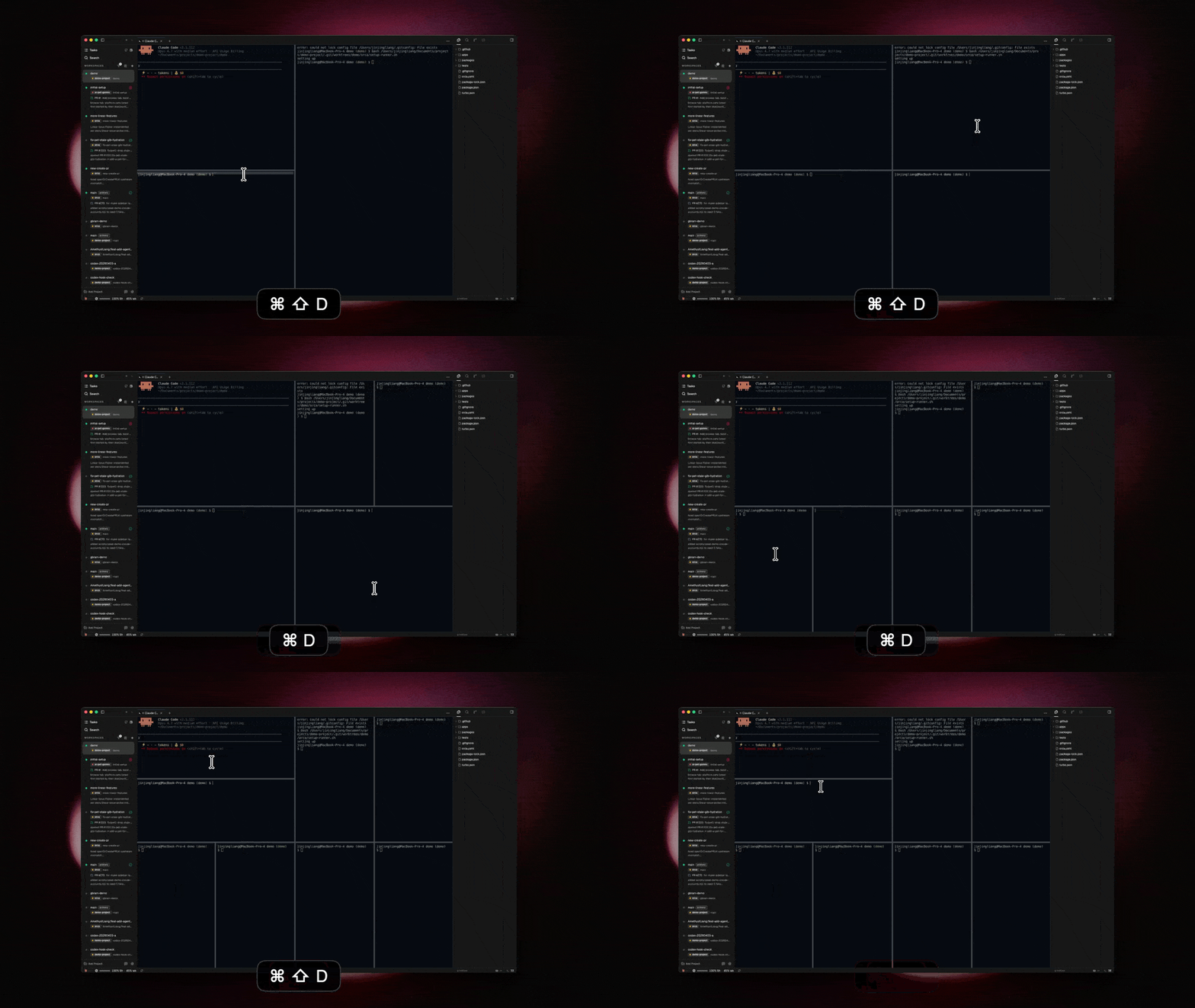
Panes & tabs
Terminals are just tabs — see Tabs, panes & split layouts. Splitting a terminal pane gives you two shells side by side.
Search
Cmd-F opens find-in-scrollback. Match highlighting, case, regex, and match navigation are all supported.
Themes
Terminal color themes are configurable under Settings → Terminal. Orca ships a library of popular themes and lets you customize any of them.
Ghostty import
If you use Ghostty, Orca can import its theme, font, and cursor config on first launch. You can re-run the import later from Settings → Terminal → Import from Ghostty.
Warp theme import
If you've collected themes in Warp, click Import themes from Warp in the terminal-theme picker under Settings → Terminal to bring them in as Orca terminal themes. Orca scans Warp's theme directory for the current OS (~/.warp/themes on macOS, $XDG_DATA_HOME/warp-terminal/themes on Linux, %APPDATA%\warp\Warp\data\themes on Windows) and lets you pick which YAML themes to import. The button next to it, Import from YAML, takes the same picker and points it at any folder of Warp-format .yaml/.yml files — useful when you store themes outside the default location.
Imported themes appear alongside Orca's built-ins in the theme dropdown.
Windows shell
The default shell on Windows is configurable between PowerShell, Command Prompt, and WSL under Settings → Terminal. WSL is offered automatically when wsl.exe --status succeeds. The + dropdown on the tab bar also shows a submenu so you can open a one-off tab in any shell without changing your default.
For repos on a WSL filesystem (\\wsl.localhost\...), Orca launches through wsl.exe -d <distro>. For Windows-path repos opened in WSL, Orca translates the cwd to /mnt/<drive>/... and drops you into a login bash.
Shortcuts
Cmd-T— new terminal tab in the current worktree.Cmd-Alt-T(macOS) — new agent tab using your default agent. On Linux and Windows this chord ships unbound; assign one under Settings → Shortcuts (search for "New agent tab"). Each supported agent also has its own per-agent "New agent tab" action — bind a chord to launch a specific CLI directly without going through the default.Cmd-W— close the current tab.Cmd-\— split right.Cmd-Shift-\— split down.
Native key bindings
Orca advertises the kitty keyboard protocol, so terminal apps see real Shift+Enter, Ctrl+Enter, and other modifier-aware keystrokes — the bindings work the same in Orca as they do in Ghostty, WezTerm, or your native terminal.
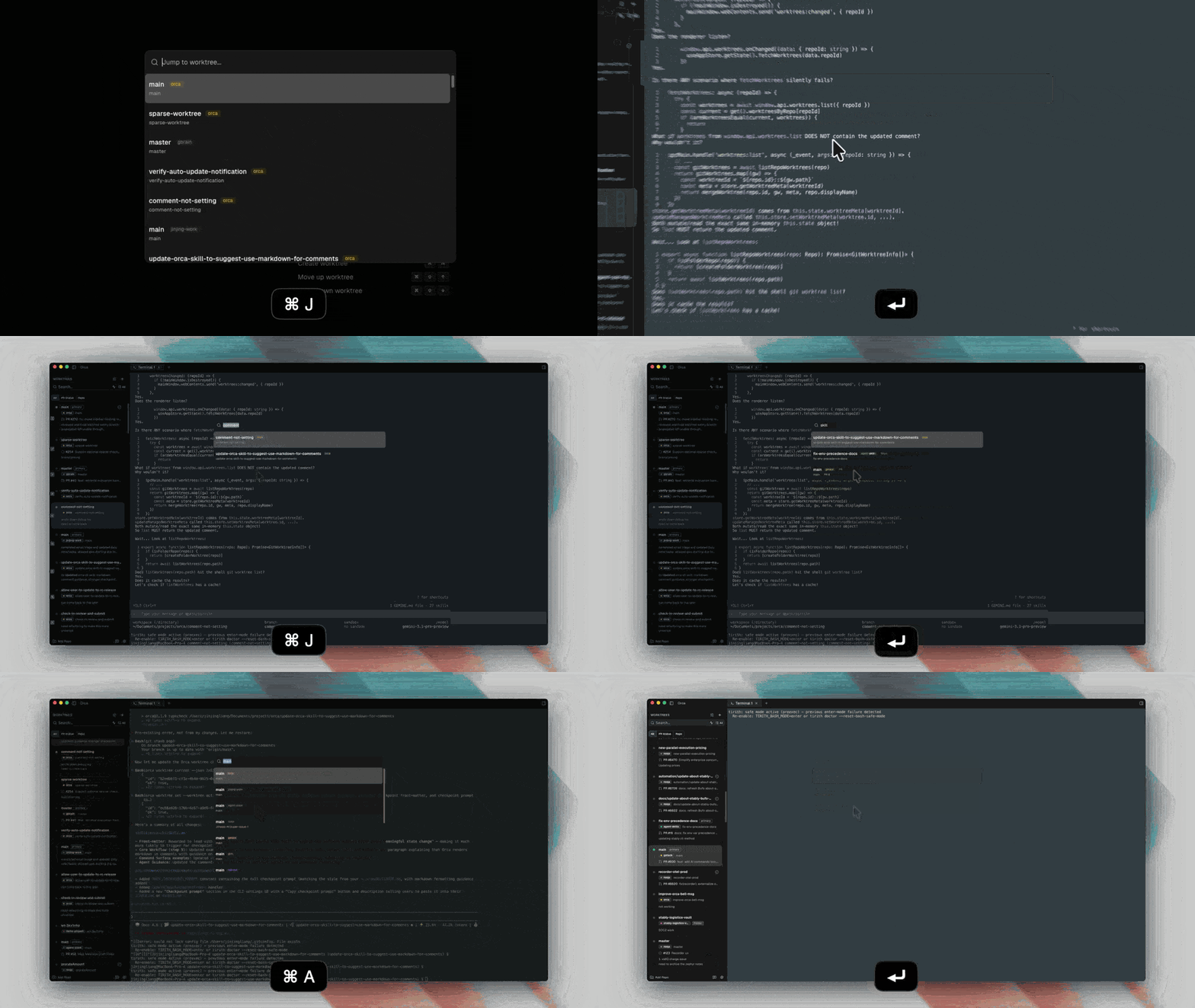
For Japanese JIS keyboards on macOS, enable Settings → Terminal → JIS Yen (¥) to Backslash (\) if you want the physical Yen key to send a backslash in terminal sessions.
Floating terminal
The floating terminal is a global shell surface that's always one chord away, regardless of which worktree or tab you're on. It's on by default for new installs.
- Toggle it with
Cmd+Option+A(macOS) /Ctrl+Alt+A(Linux/Windows). The same chord focuses the panel if it's already open and dismisses it if it's already focused. - Click the floating button on the edge of the window, or move the trigger to the status bar under Settings → Terminal → Floating terminal.
- Set the starting working directory under the same setting (
~by default) so new floating tabs land where you expect. - The floating panel hosts its own tabs and supports orchestration setup — kick off background runs without claiming a worktree pane.
Quick Commands
Quick Commands save terminal commands you run often, such as npm run dev, pnpm test, or a project-specific setup script. They can also save reusable agent prompts for launch-time prompt agents such as Claude and Codex. Create them from Settings → Quick Commands or the tab bar's Add command button, then run them from the Quick Commands split-button in a worktree tab bar or from the terminal context menu.
Each command has a label, command text, and scope. Use Global for commands that apply everywhere, or Project to show the command only in worktrees for a specific repo. The tab-bar button opens a fresh terminal tab and runs the command; the terminal context menu can insert commands into the current terminal.