
Rich markdown editor
Markdown files open in a rich editor by default — slash menu, toolbar, inline previews for images and code, internal link autocomplete. Toggle to raw Monaco whenever you want with Cmd-Shift-M.
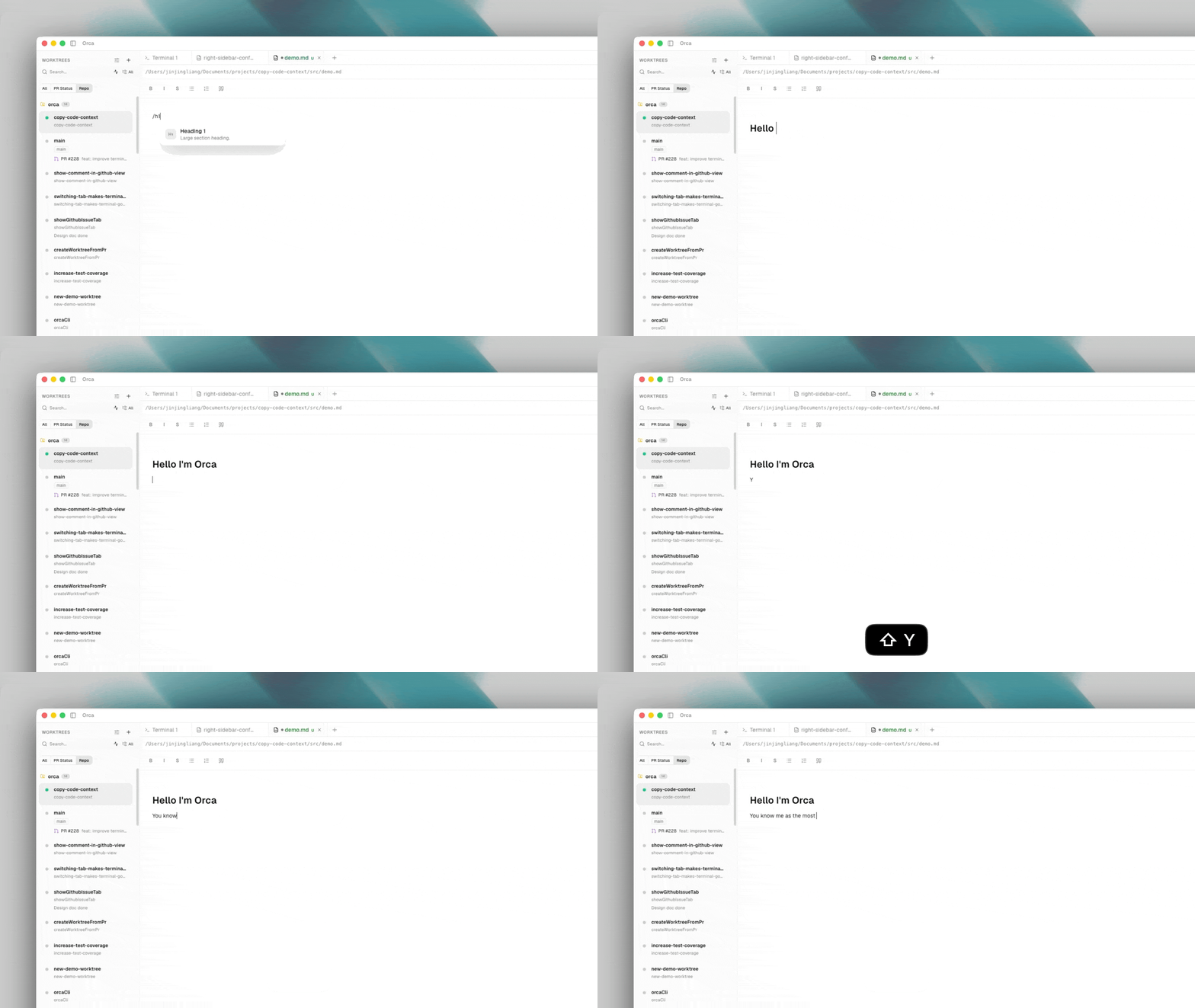
Slash menu
Type / on an empty line to open the slash menu: headings, lists, code blocks, callouts, images, mermaid diagrams, and toggle blocks.
Use /toggle-text for collapsible notes and /toggle-h1 when the toggle summary should read like a top-level heading. Orca saves both as portable <details> / <summary> markdown so the file still previews outside Orca.
Internal links
Type [[ to start a wiki-style link. Orca autocompletes file paths within the worktree and inserts a relative link.
Search
In-editor markdown search respects rendered text, not raw markdown — so searching for "Install" finds a heading whether written as # Install or <h1>Install</h1>.
Review annotations
When you're reviewing markdown in Orca's rich editor, select rendered text to add an annotation without switching back to raw markdown. Orca keeps the note tied to the selected source range so it can show the comment while you continue editing the rendered document.
Front matter
YAML and TOML front matter is hidden from the rendered editor by default so agent-generated docs and static-site posts read more cleanly without the metadata fence. Open the editor's More actions (…) menu and choose Show front matter when you need to see or edit it; the same menu toggles it back to Hide front matter. The toggle is per-file, so showing it on one document doesn't reveal it on the rest.
Table of contents
For long documents, click the Table of Contents button (tree icon) in the editor header to open a heading outline pinned to the left of the editor. Clicking a heading jumps to it; collapse and expand controls keep deeply nested sections readable. Available in rich and preview modes.