
Per-worktree browser
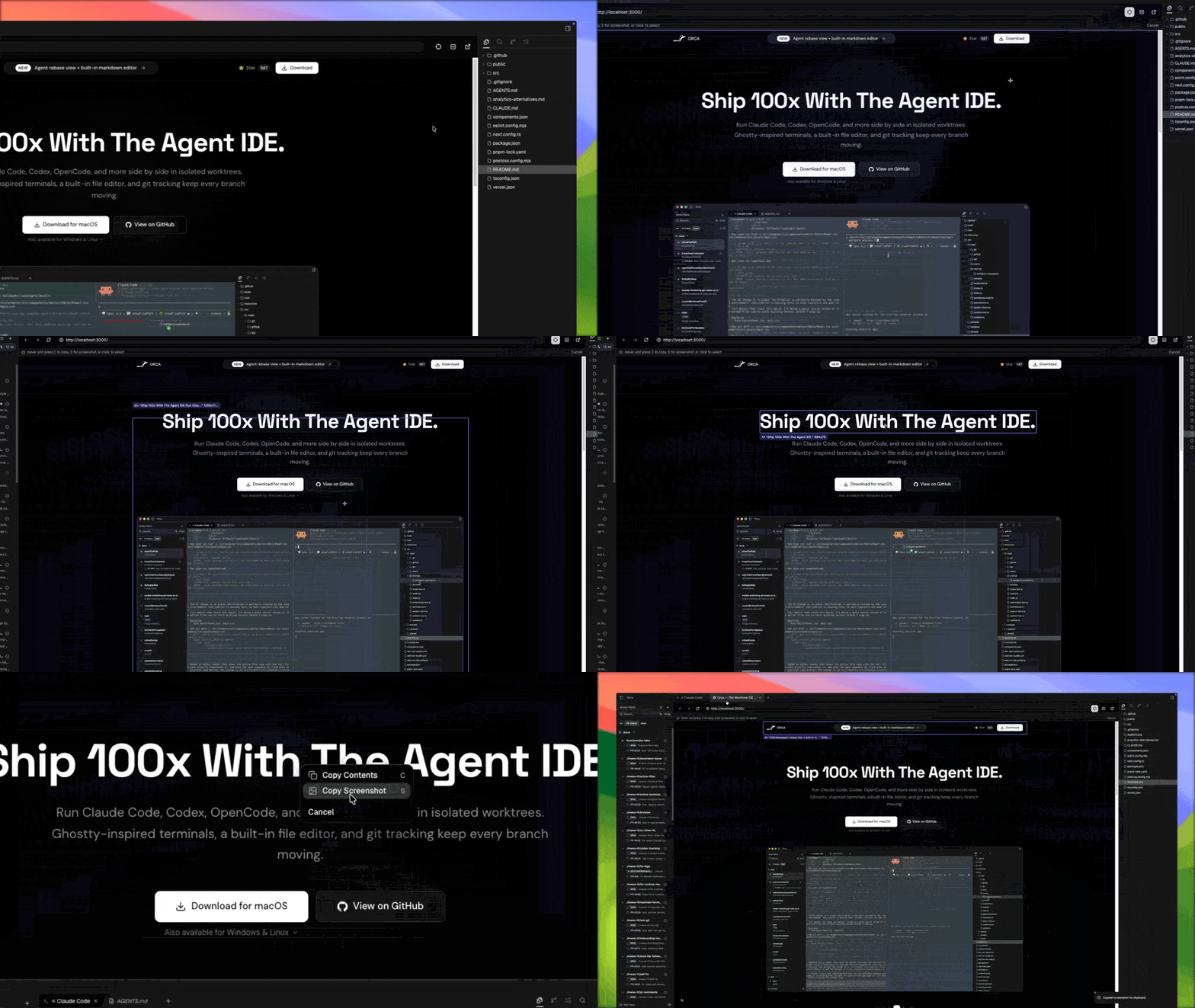
Every Orca worktree has its own browser. It's a real Chromium window — address bar, history, devtools — embedded in a pane. Tabs are scoped to the worktree, so the app you're building against stays out of the way of your other work.
Controls
- Address bar with history and fuzzy URL completion.
- Back / forward / reload / stop.
Cmd-F— find in page.Cmd-T— new tab, scoped to this worktree.Cmd-Shift-T— reopen last closed tab.
Worktree scoping
Tabs are filtered per worktree. Switching worktrees restores that worktree's browser tabs and scroll positions.
Downloads
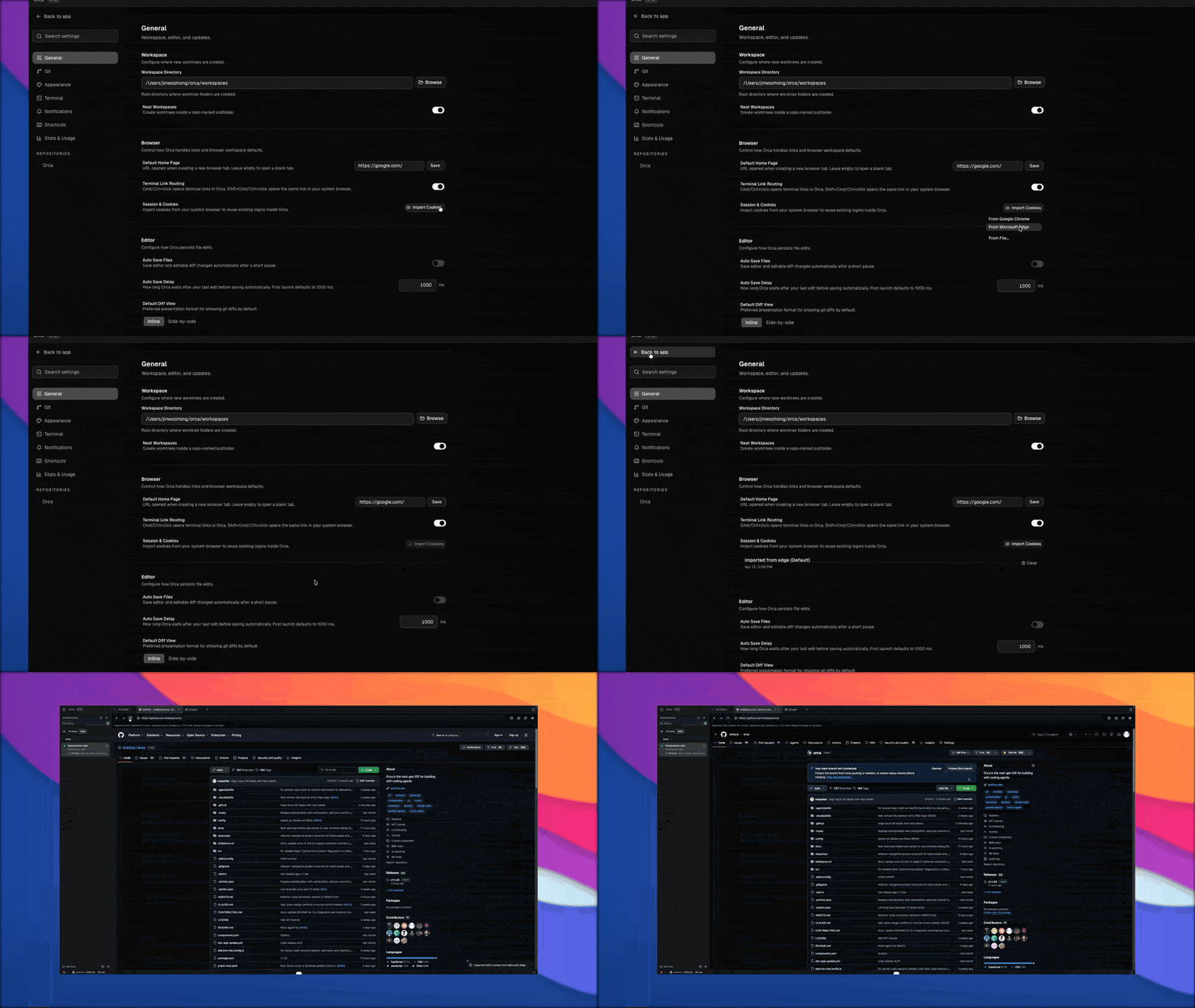
Browser downloads appear in a shelf under the toolbar while they are active or recently completed, with actions to cancel an in-progress download, open a finished file, show it in its folder, or dismiss the row.
Viewport-size emulation
Set a custom viewport size on a browser tab to test responsive layouts without resizing the whole pane. Orca uses Chrome DevTools Protocol device emulation under the hood, so the page sees the emulated dimensions in window.innerWidth and media queries.
Automation
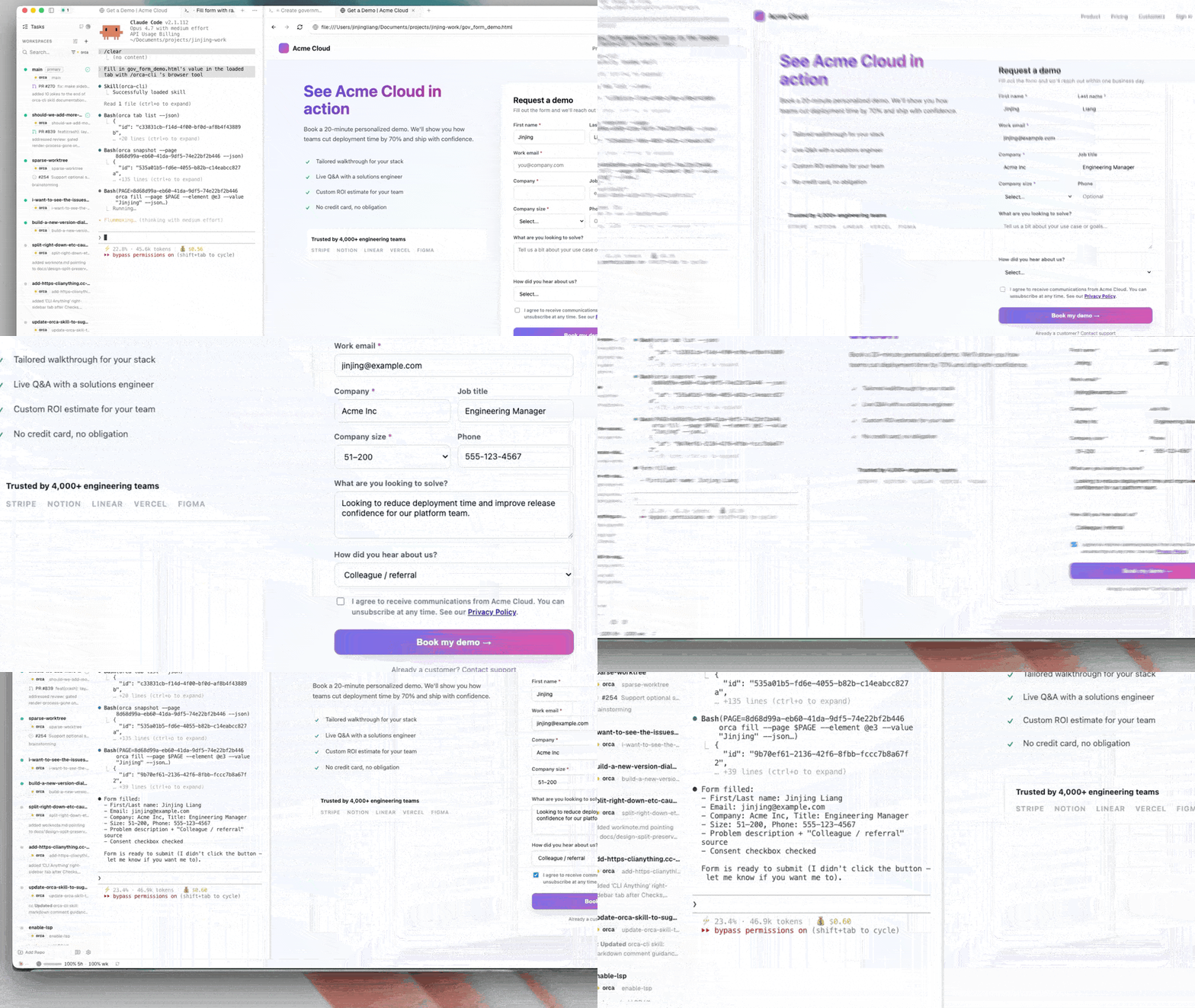
The browser is also scriptable by agents via the Orca CLI — orca snapshot, orca click, orca fill, and so on. Same browser you interact with, same tabs.
Next steps
- Design Mode — turn the browser into a pointer-to-code feedback loop.
- Browser-use profiles — run the browser with a specific login, cookie jar, or user agent.