
Add a custom CLI agent
Orca treats any CLI agent as a first-class citizen. Add one in seconds.
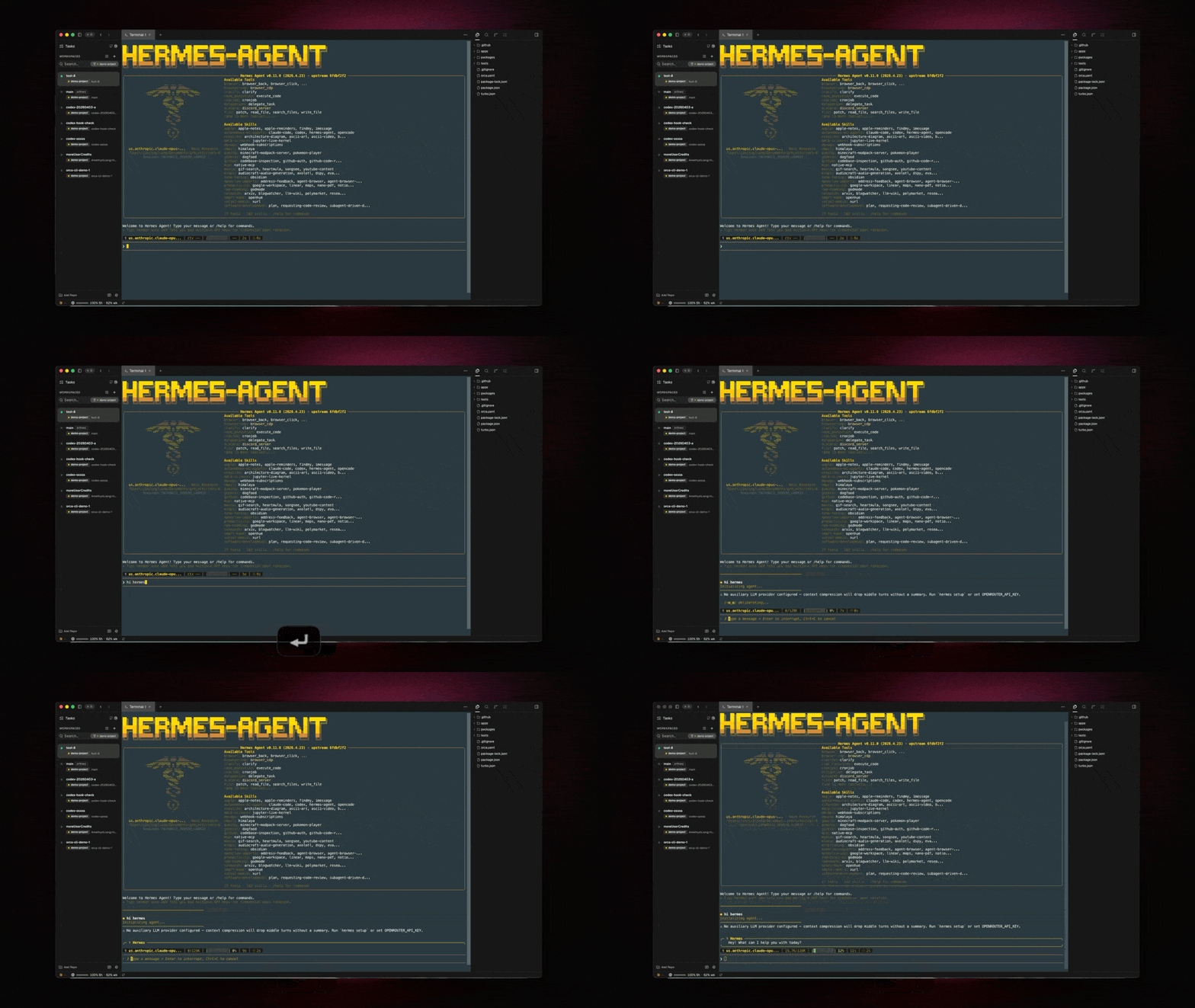
Add an agent
- Open Settings → Agents.
- Click Add custom agent.
- Fill in name, binary path or command, and any default arguments.
- Optionally attach a startup hook — a shell command Orca runs before launching the agent (e.g.
source .envrc).
What you get
- The agent shows up in the combobox on every terminal.
- Working directory is always the current worktree.
- Restart chip on exit.
- State dots if the CLI emits OSC titles (see below).
Making state dots work
Orca detects working / idle state by watching OSC title updates. If your agent emits titles like working or idle, Orca picks it up automatically. If not, the tab is still a fully functional terminal, just without a live state dot.